User Experience Design Lead at Roundarch Isobar in NYC.
I start stuff.
I define stuff.
I design stuff.
I innovate stuff.
I ship stuff.
I am passionate about taking a mix of complex business needs, requirements, user data designing simple yet powerful solutions.
I am experienced Interaction / User Experience Designer with a drive for producing simple, creative and cutting edge solutions for complex problems.
"Matt Drazin is a well rounded Professional User Experience / Interaction Designer with experience at both an interactive agency and a large media company. He harnesses a thorough and up-to-date working knowledge of user interface design principles and methodologies. He also can incorporate knowledge of human factors, user-centered design processes, interaction design guidelines, patterns, usability methodologies, industry standards, trends, unique methods of inquiry and platform standards."
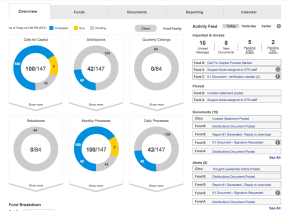
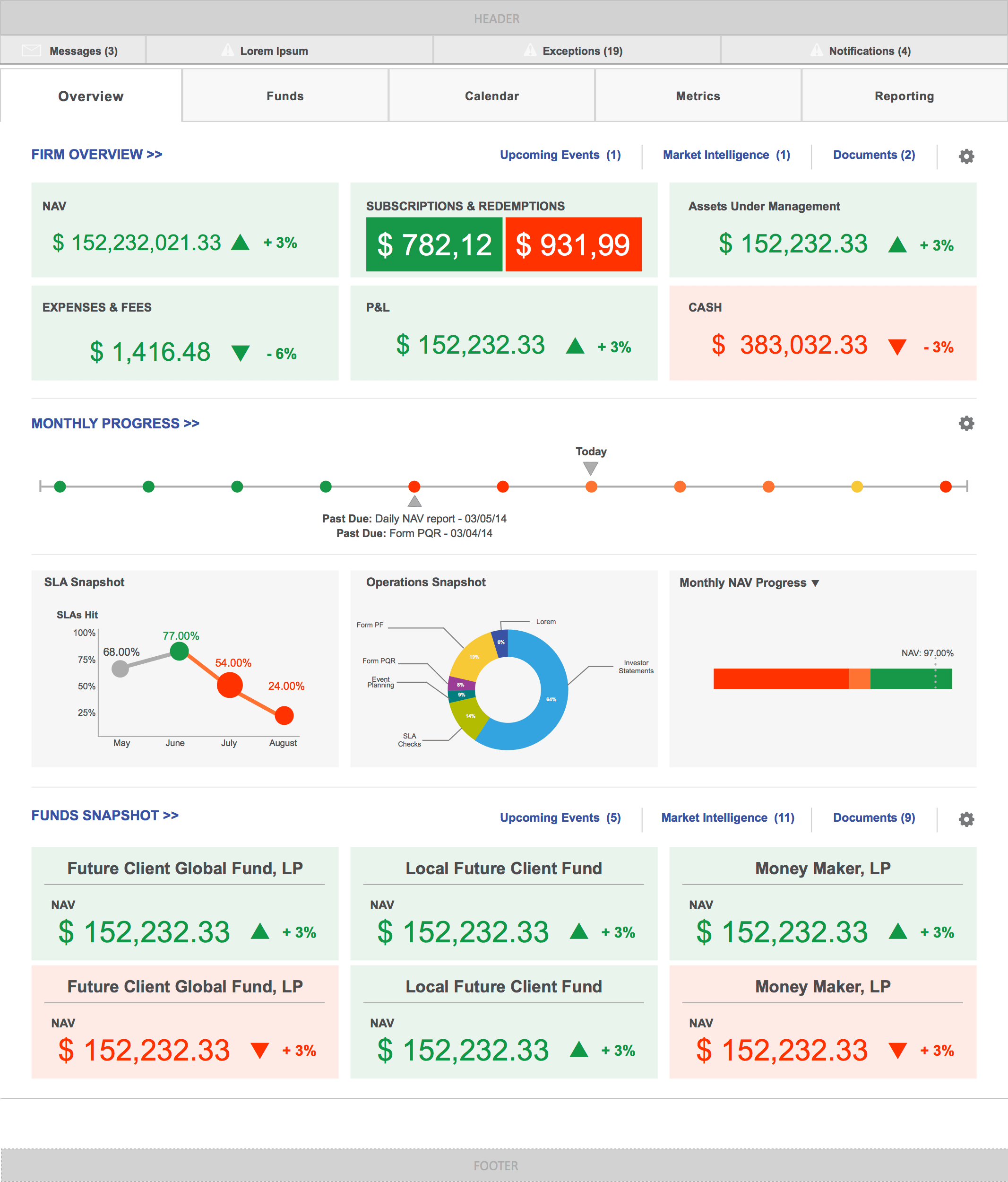
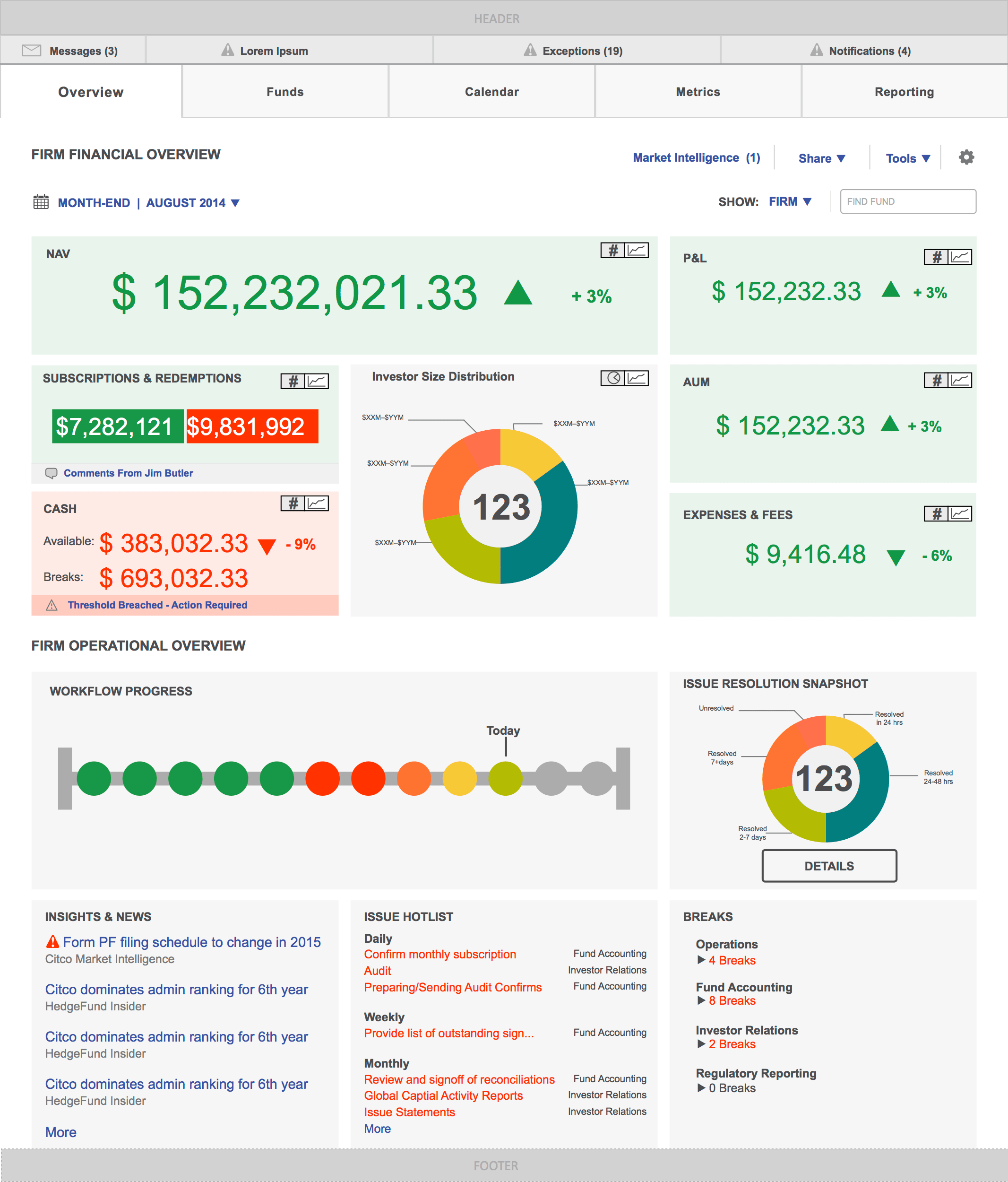
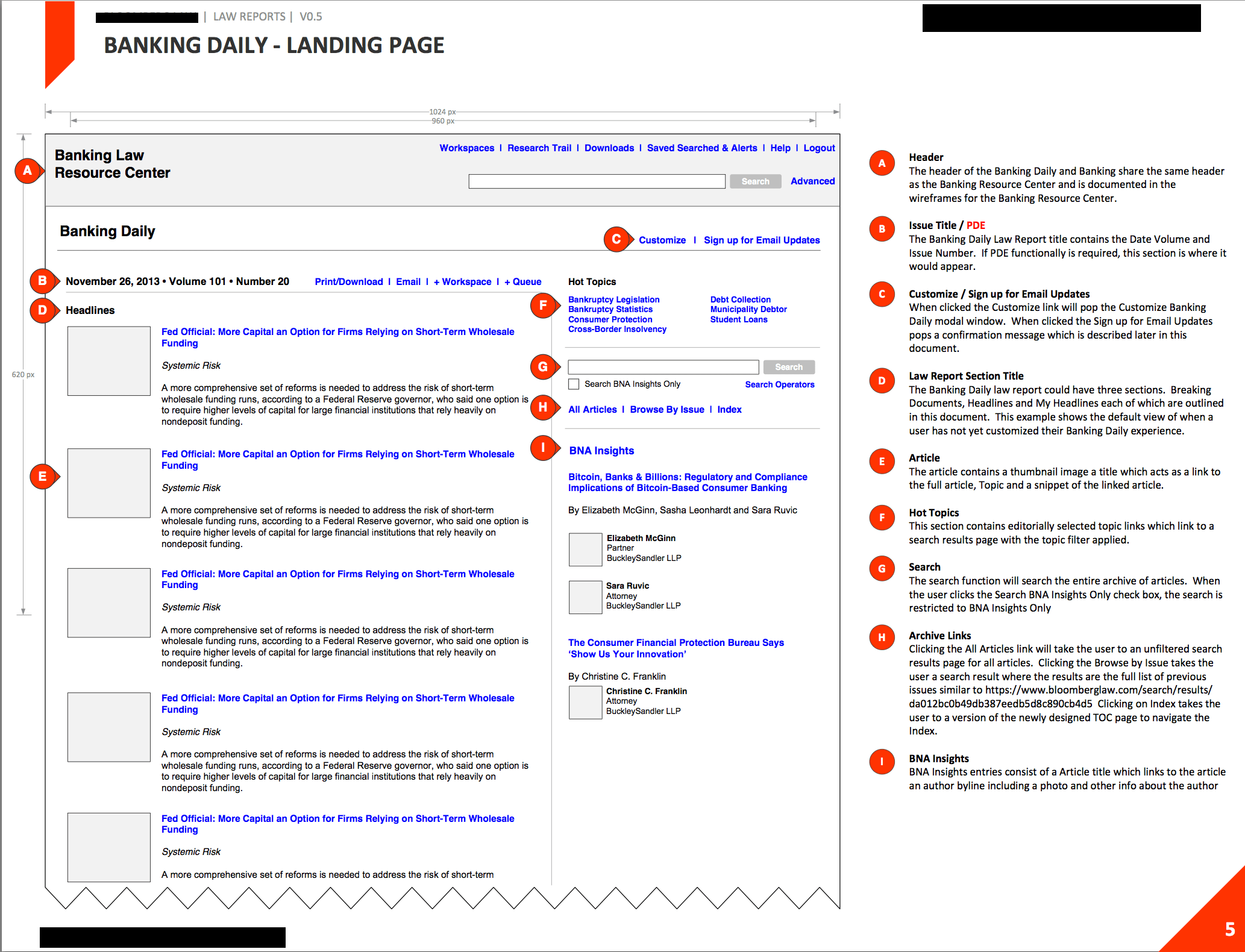
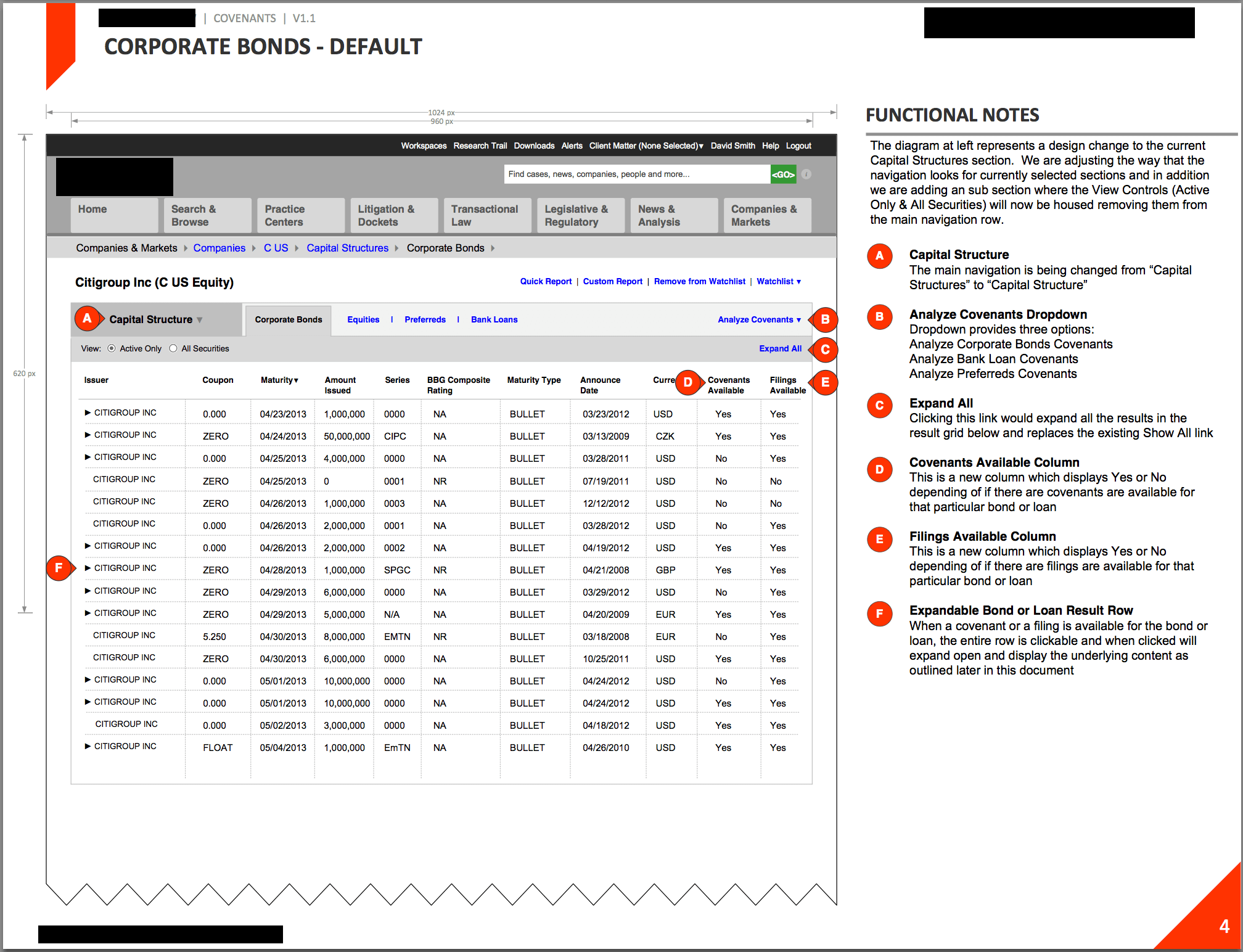
Working with clients such as Time Warner Cable Media Sales, S&P, Bloomberg Wealth & Law and Herff Jones providing conceptual, strategic and detailed design solutions ranging from public facing home pages which get used by millions of users to internal tools to manage communications and back end CMS systems.
Designed User Interfaces and Interactions for products such as the theaters and showtimes on Moviefone.com, the discussion forum on Blackvoices.com as well as some internal tools for publishing and such.
I’ve been working on a problem where the requirements of the navigation of the page allows the user to traverse a deeply nested hierarchical tree structure without reloading the page with every click ( a traditional drill model) and not just using a lame old school tree structure.
What I’ve done in this sample is created a two-action navigational system where the user can either click the smaller target to ‘drill’ to the lower level of the tree without selecting the nav item OR select a navigational node to display that content on the page.
The idea here is that we allow the user to drill into a parent item and display its children in a segment below. When you drill into a child of a child nav item, the model adds the drilled child to the top section for context then displays the sub-children in the segment below. This continues until a selection is made or terminal nodes are displayed.
A few notes about this design’s strengths and weaknesses:
Strengths:
Using a single column the user can traverse a huge tree structure
Drilling doesnt reload the page
Keeps context for deep selections
Weaknesses:
Possibly difficult to cognitively process the difference between a drill and select option
If you select a navigation item and then choose to drill into other sections you could potentially loose content of which is selected. This could be solved by possibly moving the selected item from the sub segment to the main segment to keep context
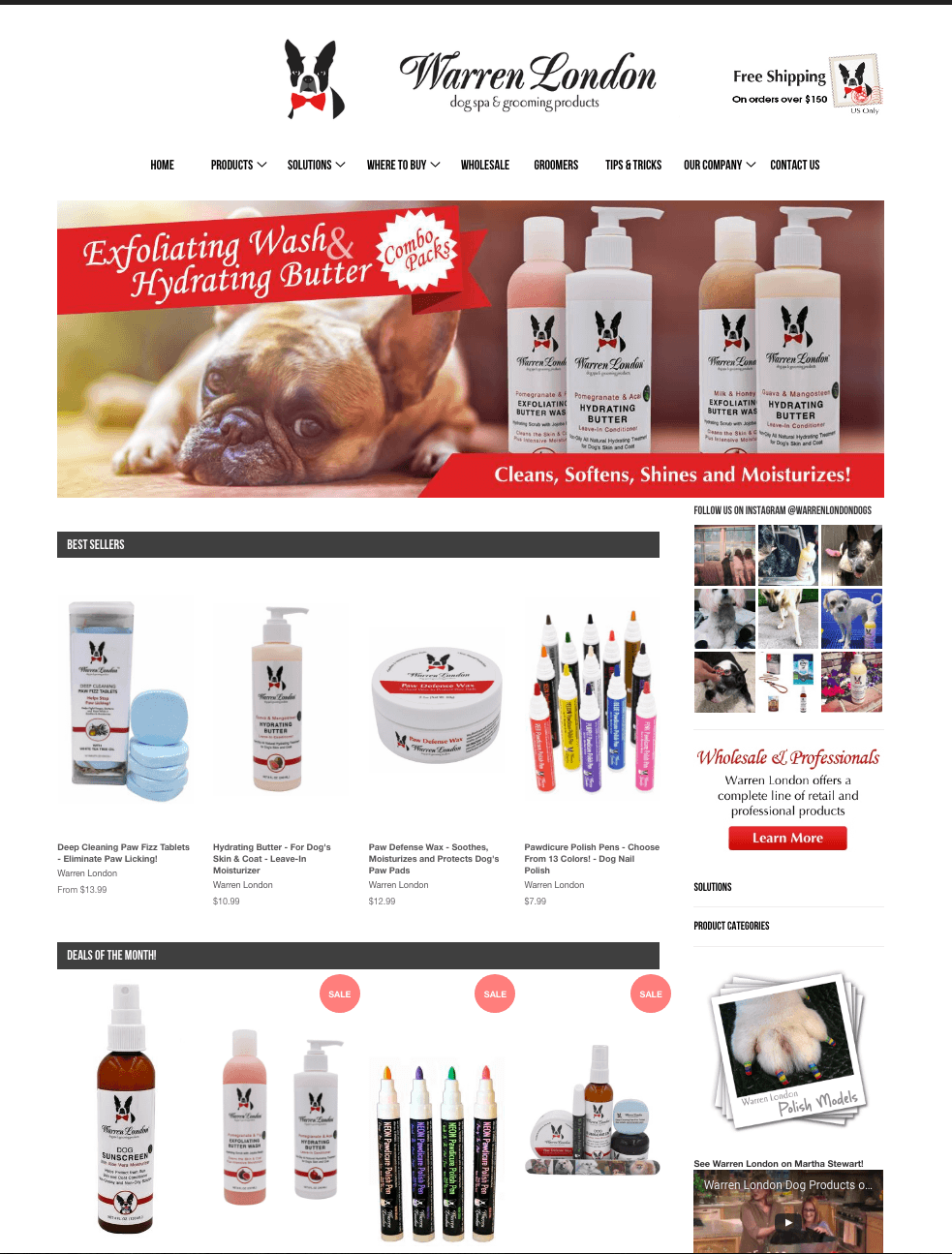
For this project, I acted as the Creative Director, Art Director and User Experience Designer. The client wanted to create a fresh and professional e-commerce experience which allowed the products and product details to stand out and shine.
This microsite included a character design (by an contractor) and a cool animated intro with an experiential pay off at the end.
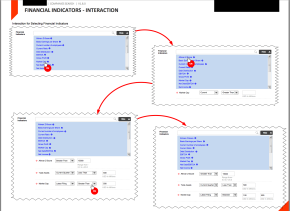
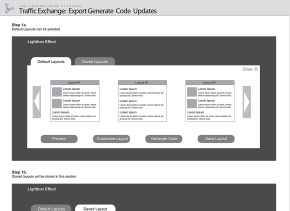
These are the Interaction Design documents I created for the redesign of Oust.com. We wanted a product focused site that would work on all types of screen sizes.
What Should I Get For Lunch? is a concept site where a new lunch time suggestion.
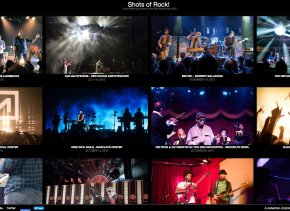
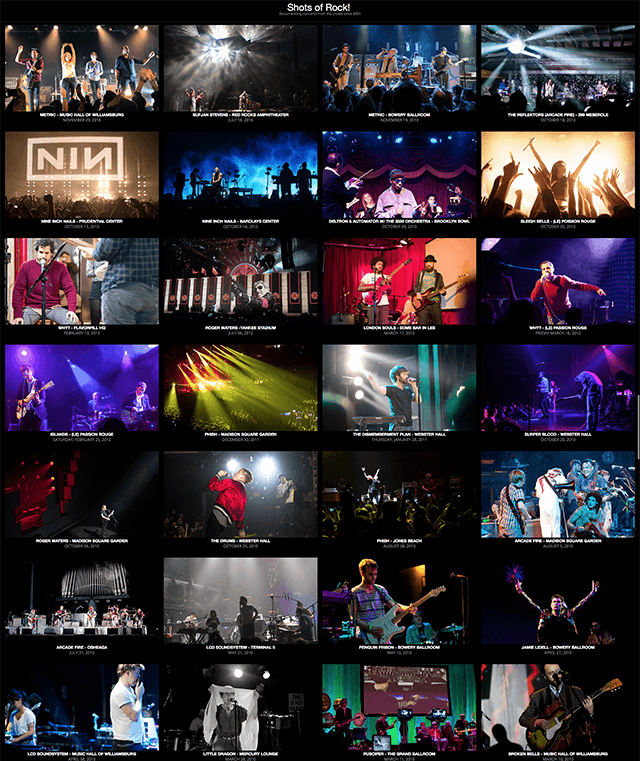
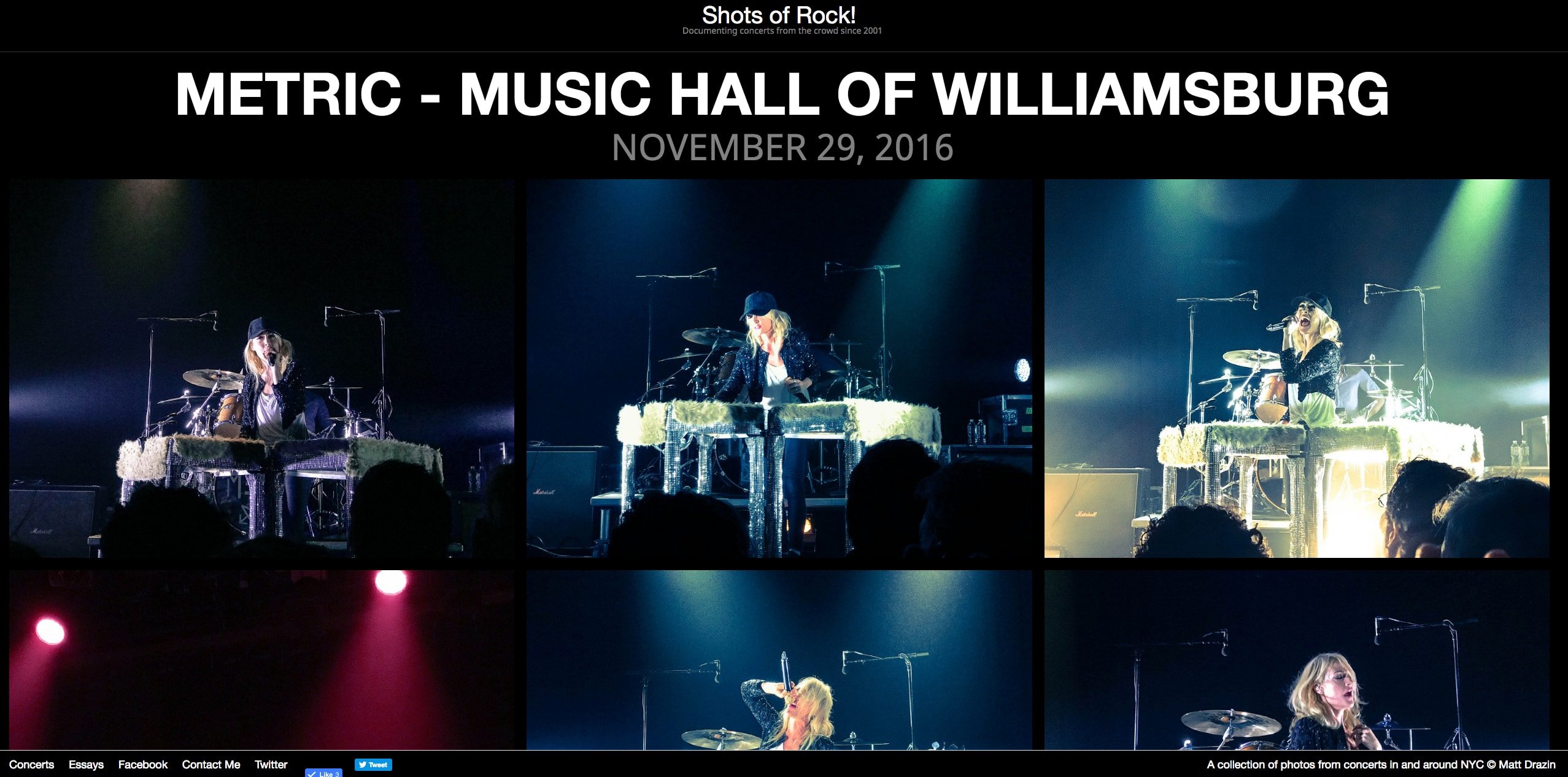
Shots of Rock concert photography site was built and designed by me. It uses a custom zenphoto theme.
This is Block UI displaying the concept of a celebrity matchmaker application.
I have a serious problem with Google. This is a difficult statement to make, because I don’t think there is one Google. The company is so large, and spans so many interests, that to say something as vapid as “Google is evil” does not adequately portray how complex and sprawling the Google system…
My buddy @ckolderup just posted a link to Poncho.io and I wanted to document this fantastic example of a great user registration experience.
Poncho.io is a free service that delivers “personalized weather reports every weekday morning, tailored to your routine, delivered by email or text.”
While i havent received any updates yet, I was blown away by the User Experience of the Registration Process and a really nice Flat Visual Design. Here are a few screenshots and the basic flow.
You either scroll down or click the bottom “Find Out How” button and the page seamlessly scrolls down to reveal the devices which you could receive the updates on.
The site itself is responsive and when you view the site from a tablet, i’m assuming that it assumes it is the device you will be receiving the updates on and changes what devices are shown.
You enter your name and click get started and the page animates up to give you a nice little introduction and asks for your zip code. Just look at that microcopy!!
After you set up your zip more animation and the site asks what time you wake up in the morning and here it get’s super slick. It when you adjust the time of day you update the color & shade of the page from bright and sunny to dark and moody.
You then follow a few more steps letting the system know if you exercise outside or need to take a pet outside all of which have smooth animations and great copy.
The next really interesting interaction is when you select you commute to work which i assume will give updates or warnings about any troubles with the trains during my commute.
When you select the Train option you are presented with all of the NYC subway lines and are allowed to select one or more option by clicking and clicking again to unselect. Great use of hover and onstates.
You then enter your leave work time and select what delivery method you want, enter and email & password and thats it, all done!
You can go in after and adjust any of the settings you’ve selected and you also can scroll up at any point and adjust any selections made previously.
I dont think i’d be far off by saying that this was certainly the product of a lean team of a talented UX designer, a Visual designer and programmer sitting in a room and hammering this product.
Excellent work and I cant wait to get some updates.
there’s little consideration about how it all fits together outside of a static comp
Brilliant Jquery plugin to enhance the user experience greatly. As Dan Saffer says, your product is only as good as your worst microinteraction. It’s the little things that matter folks.
bjk5:
The hover effects on Amazon’s big ‘ole “Shop by Department” mega dropdown are super fast. Look’it how quick each submenu fills in as your mouse moves down the list:
It’s instant. I got nerd sniped by this. Most dropdown menus have to include a bit of a delay when activating submenus….
Some of the best developers and designers have spent months and years crafting, and in some cases continually re-crafting, app for Twitter, striving for their versions of perfection.
Here is a great heads up comparison of twitter timeline interfaces across multiple apps.
If anything, turning ourselves into miniature entrepreneurs only allows commercial values to infiltrate spaces that were previously free of them. All of a sudden, people I thought were my friends are trying to sell me shit. In any case, the rhetoric of authenticity is just a more insidious form of commercialism. David Foster Wallace saw this long before there was a Web: how, in an age when everybody’s hip to the pitch, the pitch simply disguises itself as an anti-pitch. Authenticity my ass; the pitch abides.
She used wood and acrylic to make five 3D objects that recreate the physical actions required to operate a touch-screen smartphone, using newspaper clippings, book pages and paper maps to represent the data being manipulated. (via Multi-Touch iPhone Gestures by Gabriele Meldaikyte)
Clear, Rise and Solar are three examples of a trend of “gesture driven” apps with a flat UI. These are novelty apps for people lusting for the very latest in app design. …
These apps have chosen to reduce details to achieve a minimal UI, but in the process the UI has also become harder to use. Unfortunately a UI walkthrough is quite an inelegant way to explain the core functionality of an app. It can be a frustrating obstacle before you can dive into an app, and you have to remember all of those new ways of using it once you get in.
I agree that the more subtle approach is usually the best for slightly hidden or ou of place features but when you try to push the boundaries of touch based interactions and not include some tutorial or walkthrough, you run the risk of fatally slow discovery of features. Max also states that when you move to a minimal UI you reduce details, to which I disagree.
You can certainly achieve a minimal UI without reducing details. have a look at Check The Weather app on iOS which does an amazing job of packing in nothing but details combined with a minimal UI. They are a gesture based system which has a UI walkthrough hidden in the help menu.
When it comes to teaching users to use your UIs, I would recommend to do so mainly by progressive disclosure with slight visual cues and subtle animations - only use a walkthrough as a final resort.
If you app is complex and deep or an entirely new “system”, taking the suggested approach would result in constantly bombarding the user with moving elements which hint at hidden features. Imagine if Check the Weather Had all of its hidden features pop up and down to ‘remind you’ they are there.
In Max’s own app example, he uses the subtle visual cue approach to basically tell the user “Hey, The Ingredient List which is usually the first thing you see on a recipe card is actually hidden on this piece of paper which we are making you swipe over to find” This works well because the user is probably looking for the ingredient list to begin with and seeing the paper slide in is a good visual cue. That whole interaction seems unnecessary to me but the visual cue works fine.
In summary, I agree that when you are providing access to features or options, using slight visual cues are a good idea, but would be ridiculous in practice when all of your “gesture based” app’s features are hidden and you are attempting to achieve a minimal UI. I think that a better approach for these more deep and more complex systems which attempt a minimal UI would be a UI walkthrough within the help system.
This is one of the most amazing mixes of amazingly executed technology and story telling i’ve ever seen. The use of animated GIFS is extremely well done and makes for a compelling way to progress through the experience.
I don’t have much experience with rich HTML5 based ebooks, but if they work as well as this and provide as much engagement and payoff they have a brite future indeed.
Looking better does not equal better functioning.
Just a minute ago I did not have blog, but just now I read an article featured on Hacker News, written by Chris Norström and titled: “Invention: Multiple-Choice “Windowed Slider” UI” . I wanted to reply in a comment because I do not agree with Chris. While typing my comment, I realised it…
Great analysis of what seems on the surface to be a clever UI design. In truth the idea is too vague to be applied to such different set of control elements and doesn’t hold up.
Bloomberg Flexible Display / Antenna Design New York Inc.
Two ultra thin displays are mounted on an elegant arm that can be easily rotated from horizontal to vertical position, with software automatically adjusting screen orientation. Display heads can be separately rotated for horizontal or vertical orientation, allowing for multiple display configurations.
Taking it one step further, Apple could implement the portrait interface they use for app categories and present a few horizontal list views. The first could present search results filtered by keyword relevance, the second by rating, the third by how many “friends” have the app, the fourth by recency of release, etc. So, for example, a search for “Twitter” could result in the official Twitter for iPhone app showing up first for relevancy, Tweetbot first for friends who have the app, and Flurry for most recent.
Design from the “bottom up” (vs “top down”). What do I mean by this? In web apps, the structure of your app (IA) will emerge over time—don’t start with structure or navigation. Think about flows, scenarios, and activities. The structure of the site will emerge from specific page level designs. Start with a laser focus on a specific activity, then follow that thread into other areas of the app. Starting with a top down focus on structure and consistent UI elements often glosses over the details and minutiae that set apart a stellar product. And don’t get hung up on inconsistent interaction and visual details that come about from this bottom up focus—these details will be ironed out as time goes on.
29 Things I, as a designer, wish more tech startups knew
- Stephen Anderson @ The Pastry Box Project
(via caneelian)
Dustin Curtis is a smart guy. However, he foolishly assumed that redesigns in the corporate space are things that giant companies just able to roll out. On the contrary and as pointed out in a response to his proposed refresh, the lead UX designer at AA.com does a great job pointing out the insane web of approvals, cost benefit analysis and time sinks associated with being part of a large organization.
I have some experience with this as well. As a UX designer i’ve been at large corporations with multiple products who even thought their main focus was on digital products, still fell into the same pitfalls described above and in the article. I’ve also been part of smaller companies and agencies where it was not as difficult to get a crazy idea heard by the product owner or manager. In the hands of a good experience designer, a crazy idea, when backed by solid logic and a desire to push the envelope, can often inspire change and a new direction at a company of any size.
Jonah Lehrer: The Origins of Creative Insight & Why You Need Grit(via Jonah Lehrer: The Origins of Creative Insight & Why You Need Grit :: Videos :: The 99 Percent)
Source: Article
In the heat of the relaunch I wrote a quick blog post on responsive typography, focussing solely on the aspect of our latest experiment: responsive typefaces. Without knowing the history of iA, you’d miss some key aspects to the responsive typography and design in our…
10 Steps to Personas (Poster)
- Finding the Users
- Building a Hypothesis
- Verifications
- Finding Patterns
- Constructing Personas
- Defining Situations
- Validation and Buy-in
- Dissemination of Knowledge
- Creating Scenarios
- On-going Development
WHY? - Sony Sessions - 02/13/13
@whywithaqmark @yoniwolf @josiahmwolf @flavorpill_NY @anticon #sony212
You can watch the stream and the chat over here -> http://new.livestream.com/flavorpill/why